Best Free AI Tools for Beginners to Make Money (2026) edition
You don’t need ten AI tools to make money online. You need one you’ll actually stick with, pointed at something someone will pay for.
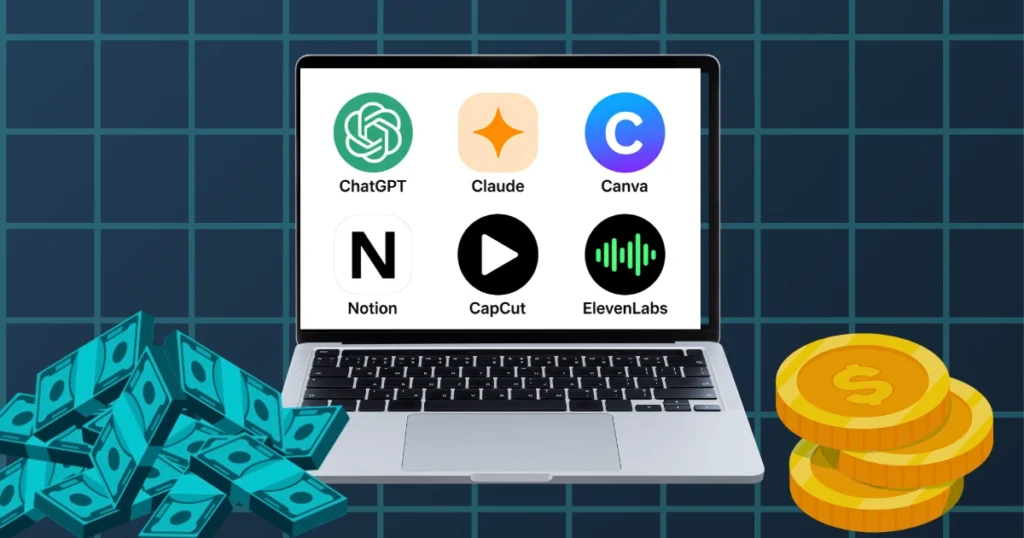
The best free ai tools for beginners to make money in 2026 aren’t the newest ones or the ones with too much hype around. They’re the ones that are actually good at one specific job and are easy to use for a beginner with zero budget. So, here are the tools, what they’re genuinely best at, and the exact steps for using each one to make your first dollar.
Quick honesty check before we start: It’s not a get-rich-quick scheme. The first step is to learn a tool, invest your time in developing a skill set around that tool, become genuinely good at it, and also work on your soft skills—like learning how to solve problems for your target audience. Finally, be active on every social media platform where your audience spends time.
The 5 Free AI Tools, and How to Actually Make Money With Each
1. ChatGPT — Freelance Content Writing
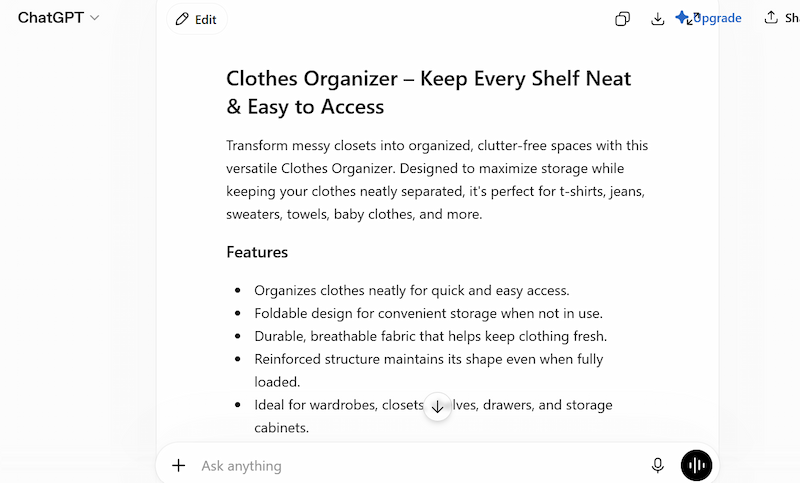
ChatGPT is an AI chatbot made by OpenAI. You type what you want in plain English, and it writes it back — a blog post, a product description, an email, a social caption, whatever the job needs. No special skills required to use it, just a clear prompt. It’s especially good at matching a specific voice once you feed it a couple of examples, and at producing volume — the same core prompt reworked ten different ways for ten different clients. I’ve actually written a whole post on making money from just your phone, if earning income is your goal.
That’s exactly what small businesses are short on. Most don’t have time to write their own blog posts or product pages every week, and they’ll pay someone else to handle it.
How to make money with it:
- Create a free Fiverr account.
- Set up a gig: “I will write SEO blog posts for your small business.”
- Price your first gig low — this is about getting your first two or three reviews fast, not maximizing your first payout.
- When an order comes in, draft with ChatGPT, then rewrite the parts that sound generic. Add a real example. Change the phrasing until it sounds like you, not a template.
- Deliver on time. Once you’ve got a couple of reviews, raise your price.
But, honestly, it’s quite difficult to find clients on Fiverr because most people prefer gigs with already good ratings. So, it’s much better to hunt for clients on Facebook and Instagram and DM them your services. Don’t expect clients to just accept your offer when you’ve only approached a handful of them. It takes at least 150 to 200 DMs to actually convert a few of them. Patience and consistency are the winners here. Just be stubborn. Don’t take it personally when people don’t respond.
2. Canva — Digital Templates and Printables
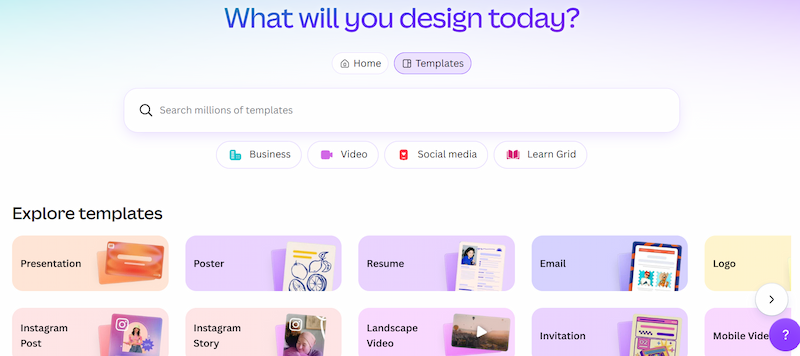
Canva is a free online design tool. You pick a template and drag your own text, colors, and images onto it — no design software experience needed.
That’s the whole appeal: someone who’s never opened Photoshop can still put together something that looks professionally made. Its resize tool also turns one design into a dozen formats in a couple of clicks, which is exactly the workflow behind selling template packs — build once, adapt it many times.
How to make money with it:
- Pick one specific, narrow audience. Not “social media templates” — “Instagram templates for fitness coaches.”
- Build a pack of 20–30 templates around that one audience.
- Create a free seller account on Etsy or Gumroad.
- List the pack, priced a few dollars per item or bundled together.
- Make one Pinterest pin showing the templates in use, and link it to your listing.
But, here’s the interesting part: nobody tells you. These platforms have commission rates on every sale you make, so you should set a price that is actually profitable. After taking all these fees into account, there should still be a good amount left for yourself that is actually worth the effort.
3. Claude — Short Ebooks and Guides
Claude is another AI chatbot, made by Anthropic, and it works the same basic way as ChatGPT — you type what you want, it writes it back. The difference shows up on longer pieces. Feed it an outline for a 5,000-word guide and it holds the structure, the argument, and the tone together from start to finish, instead of drifting halfway through.
That makes it the better pick specifically for anything book-length — ebooks, in-depth guides, anything a reader is paying for because it goes deeper than a blog post.
How to make money with it:
- Pick a very specific topic your audience actually searches for — not “make money online,” something like “how to start a Pinterest account for an Etsy shop.”
- Ask Claude for a full first draft: clear steps, real examples, a simple action plan at the end.
- Edit it properly. Add your own examples and your own voice. This step is not optional.
- Design a clean cover in Canva.
- Upload to Gumroad, priced in the single digits to start.
- Pin it on Pinterest, linking straight to the product page.
Free plan runs on Sonnet 5 with a message allowance that refills every few hours — enough for most first drafts if you work in chunks .
4. ElevenLabs — Voiceover for Faceless Content
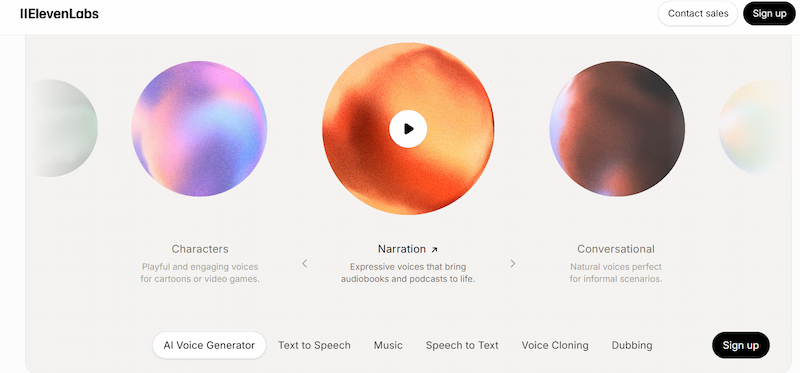
ElevenLabs turns typed text into a spoken voice. You paste in a script, pick a voice, and it hands you back an audio file — and it actually sounds like a person, not a robot reading off a page.
That’s why it’s become the standard tool behind faceless YouTube channels. You get a polished voiceover for a video without ever being on camera or recording your own voice.
How to make money with it:
- Pick a simple, evergreen niche for a YouTube channel — money tips, productivity, AI tools for beginners.
- Write the script with ChatGPT.
- Generate the voiceover in ElevenLabs.
- Build simple slides in Canva to match the script.
- Combine everything in CapCut, which is also free.
- Upload, write your title and tags with ChatGPT, and post consistently.
One free-plan detail worth knowing upfront: the free tier is for non-commercial use only, so a monetized channel needs the $6-a-month Starter plan for full commercial rights. BTW, you can also use CapCut’s Script-to-Voiceover feature. Its voice quality is also good, and it’s much cheaper then Elevenlabs.
5. Notion — Templates You Can Actually Sell
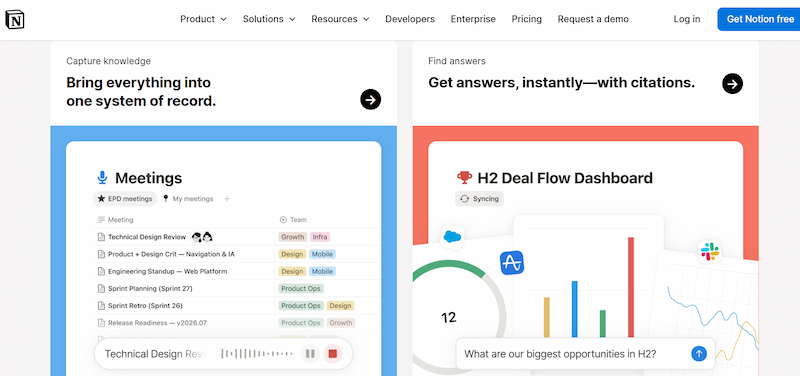
Notion is a workspace app — think digital pages you build into whatever you need, using simple drag-and-drop blocks. A to-do list, a calendar, a tracker, a full business dashboard, it’s all the same basic building blocks underneath.
People use it to organize their own lives first. That’s also exactly why Notion templates sell: someone would rather buy a system that’s already built than start from a blank page and figure it out themselves..
How to make money with it:
- Build one template you’d genuinely use yourself — a content calendar, a budget tracker, a study planner.
- Write the product description with ChatGPT.
- List it on Gumroad or Etsy, priced in the single-to-low double digits.
- Make a Pinterest pin showing the template in use.
- Repeat with a second template once the first is live.
The core workspace is free forever for individual use, unlimited pages included — you don’t need the paid AI add-on for any of this .
Best Free AI Tools for Startups (2026) Zero Budget needed
If the goal isn’t a $9 product but an actual one-person service business — freelance writing, design, voiceover — the same five tools double as your entire back office, at zero cost.
ChatGPT and Claude write your client proposals and emails. Canva builds your portfolio and invoices. Notion runs your client tracker. ElevenLabs stays optional until a client actually pays you — that’s when the $5 Starter plan earns its place.
Zero budget doesn’t mean zero effort. Most beginners don’t fail because they picked the wrong tool. They fail because they switch strategies every three weeks — dropshipping, then a TikTok shop, then whatever’s next, quitting each one before it had time to work. Pick one method from this list and give it 30 real days before judging it.
Before You Start: Research the Niche, Not Just the Tool
This is the step that matters more than which tool you pick, and it’s the one people skip because it’s not as fun as opening Canva.
Before you build anything — a template pack, a Youtube channel, an ebook — check whether the niche actually has room in it. Search Etsy, Pinterest, and YouTube for your exact idea. If the results are already packed with near-identical shops or channels doing the same thing the same way, that space is full. Not impossible, just harder than picking something with real demand and less competition around it.
Then give it a reason to exist. “20 Instagram templates” or “another productivity channel” is a feature, not a reason anyone buys or subscribes. Lead with the actual problem, not the product. “Stop spending your Sunday night designing posts you’ll forget by Tuesday” sells the template. “The 10-minute morning routine that fits before your first class” sells the channel. Name the problem first. The tool you used to solve it is the boring part nobody’s actually paying for.
the honest reality check :
Digital products get sold as pure passive income — I’ve gone deeper into what other passive income methods are. It rewards volume and time, not a lucky first listing. Expect a slow build, and treat any dollar figure you see attached to this method as one data point, not a promise.
There’s also a practical risk: getting suspended. Etsy’s 2026 enforcement leans hardest on trademarked brand names in listings, presenting AI-generated work as handmade without disclosing it, and mass-uploading near-identical AI designs with no real variation between them. Keep your tax and bank details current too.
None of that means skip it. It means disclose what you use, make every listing genuinely different, and don’t expect fast.
Where to Start This Week
If you’re a student, I’ve already put together the best free AI tools for students — worth a look.
- Create free accounts on ChatGPT and Canva.
- Pick one narrow audience you understand — new Etsy sellers, first-time freelancers, whoever’s closest to your own experience.
- Use ChatGPT to draft 20–30 genuinely useful tips or prompts for that audience.
- Design it as a clean PDF in Canva.
- List it on Gumroad.
- Once that one is live and running, move to the next tool on this list.
Seven days, zero investment, one real product live.
FAQ
What are the best free AI tools for making money (2026) ? ChatGPT, Canva, Claude, ElevenLabs, and Notion. Between them they cover writing, design, long-form content, voiceover, and templates, each genuinely good at one specific job.
Are free AI tools actually free, or is there a catch? Mostly real, with small limits. ChatGPT and Claude cap messages, Canva caps its AI features, and ElevenLabs is the one to watch — its free plan is non-commercial, so a monetized channel needs the paid tier.
How much money can you realistically make with free AI tools? It depends entirely on the method and how consistently you show up. Digital products are a slow build with real competition, not overnight income. Client writing work pays faster, but trades your time for money like any freelance gig does.
Do I need experience to start? No, but expect your first attempt to be rough. That’s what learning a new tool looks like, not a reason to stop.
Which free AI tool should I learn first? ChatGPT if you’re leaning toward writing or client work. Canva if you’re leaning toward design or digital products. Pick based on the work you actually want to be doing in six months.
Is selling digital products on Etsy still worth it in 2026? It can work, but it depends entirely on the product and how you sell it. Real sellers report needing a large catalog and real time before traffic becomes consistent, not one lucky listing.
Pick one tool. Actually finish something with it. That was always the whole plan, and it was never complicated enough to need a course. If you’re a teacher or a college student, I’ve written posts aimed specifically at you — side jobs for teachers and side hustles for college students — worth a look alongside this one.)